

CARD ACTIVATION
SCROLL DOWN
CARD ACTIVATION
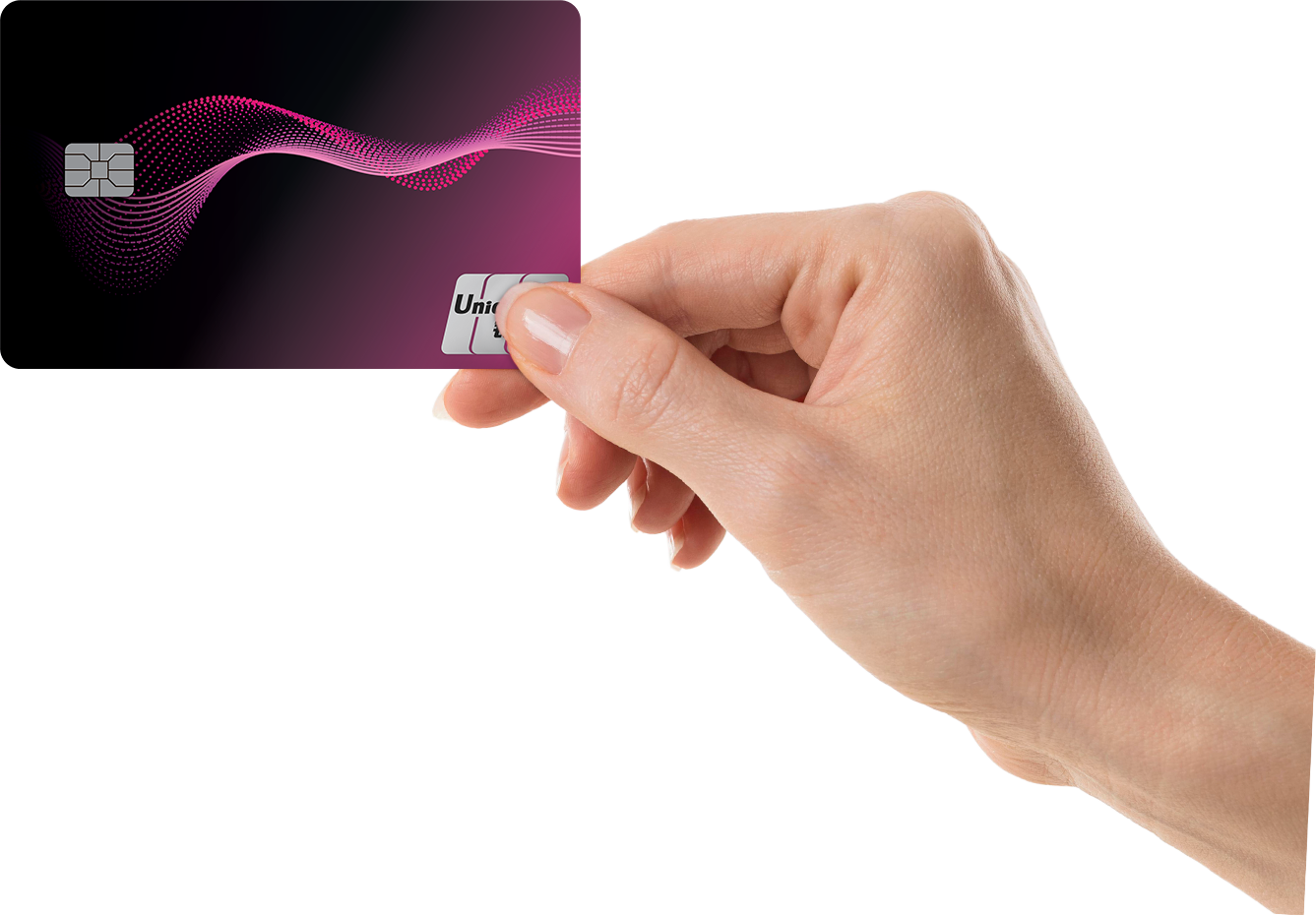
Welcome to Pi Pay Card
Find us at

Activate Your Pi Pay Card in 3 Easy Steps
Getting started with your Pi Pay card is simple. Jull follow the steps below.
-
New Customers: How to Activate Your Card
- Open the Pi Pay App.
- Follow the on-screen instructions to register your Pi Pay wallet.
- Once registration is complete, you’re ready to activate your card.
- Open the Pi Pay App.
- Go to Card → Activate Card
- Enter your card information: Card Number 16 digit and Activation Code
- Create your Card PIN 6 digit to complete activation.
-
Existing Customers: How to Activate Your Card
- Go to Card → Activate Card
- Enter your card information: Card Number 16 digit and Activation Code
- Create your Card PIN 6 digit to complete activation.
-
Step 2: Register Your Wallet
-
Step 3: Activate Your Card
Step 1: Open the Pi Pay App
Step 2: Activate Card
📌 You can find the Card Number and Activation Code inside the card package.
Step 2: Activate Card
📌 You can find the Card Number and Activation Code inside the card package.
Important Information
By activating your card, you agree to the Pi Pay Physical Card Terms & Conditions.
👉 Read Terms & Conditions
By activating your card, you agree to the Pi Pay Physical Card Terms & Conditions.
👉 Read Terms & Conditions
📞 Need Help?
Our Customer Support team is happy to assist you.
Phone:
(+855) 089 988 983
(+855) 093 988 983
(+855) 023 988 989
Email: callcenter@pipay.com